-
Download the windows zip file from the CalculiX home page.
-
Unzip the downloaded archive in your favorite download folder.
-
Create a batch script file called "CalculiX2.23.bat" with the following commands:
enviElmer.bat@echo off
path =%path%;C:\Users\userName\Downloads\fem\structural\CalculiX\calculix_2.23_4win
echo.
echo The CalculiX 2.23 environment for Windows
echo.
echo usage: ccx_i4 -i fileName - solvers: SPOOLES / PARDISO / PaStiX
echo usage: ccx_dynamic -i fileName - solvers: SPOOLES / PARDISO / PaStiX
echo usage: ccx_dynamic_i8 -i fileName - solvers: SPOOLES / PARDISO / PaStiX
echo.
echo to set ccx nProc: set OMP_NUM_THREADS=
echo onPlace it in the CalculiX download folder.
-
Create a folder for your examples and tutorials:
D:\simulations\CalculiX -
Create a desktop shortcut for quick access, with the Destination box pointing to the command prompt that executes the CalculiX2.23.bat batch file:
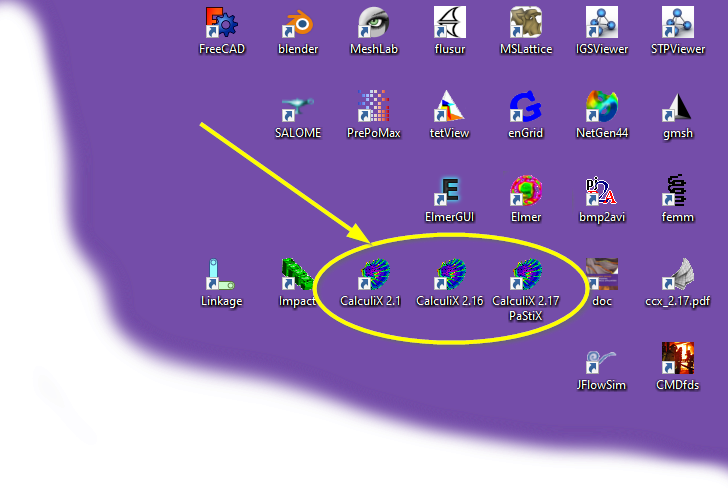
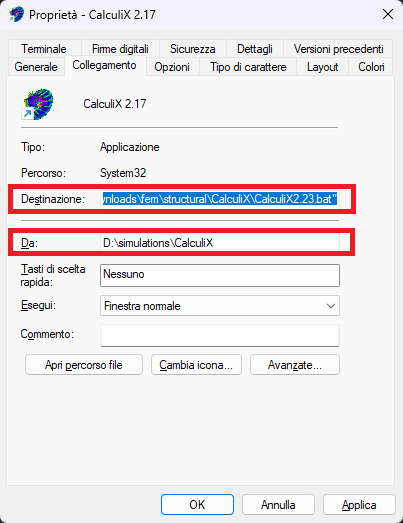 Destination box
%windir%\System32\cmd.exe /k "C:\Users\userName\Downloads\fem\structural\CalculiX\CalculiX2.23.bat""From boxD:\simulations\CalculiX -
You can use this icon file.
-
Once this is done, simply double-click on the Elmer icon, and the command prompt will open:
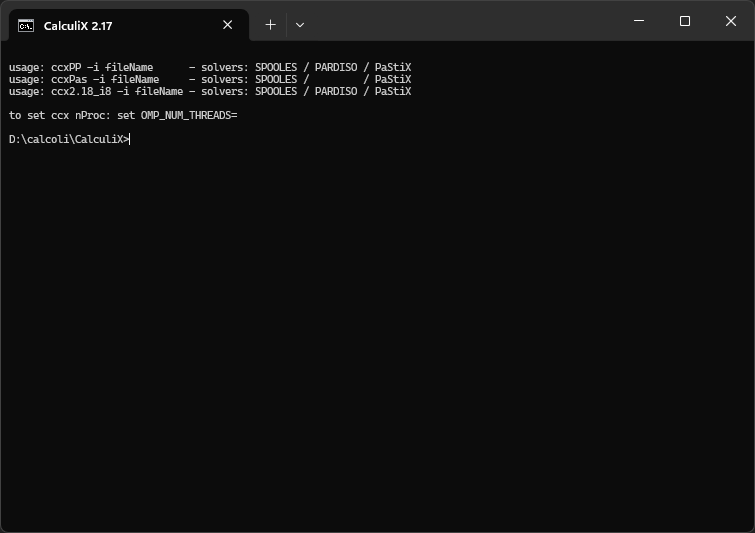
-
Move to the tutorial folder:
Elmer console:cd tutorialCase -
and launch ccx_dynamic name_input_file to run the analysis:
Elmer console:ccx_dynamic name_input_file -
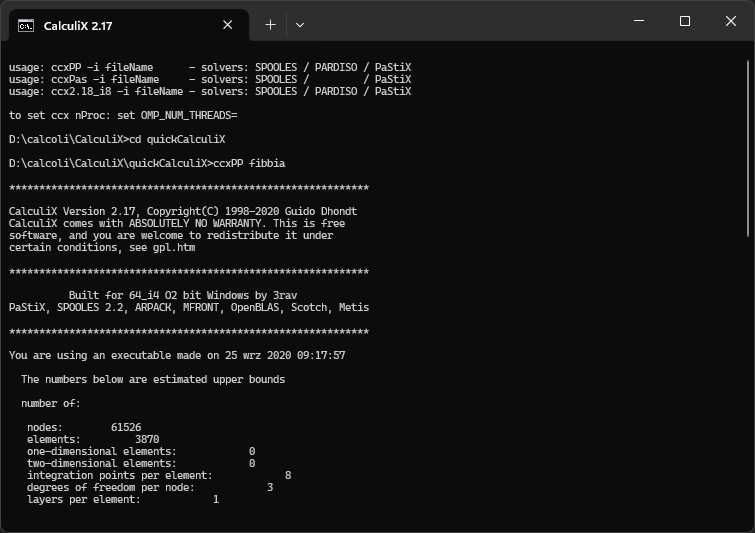
Once this is done the simulation will start: