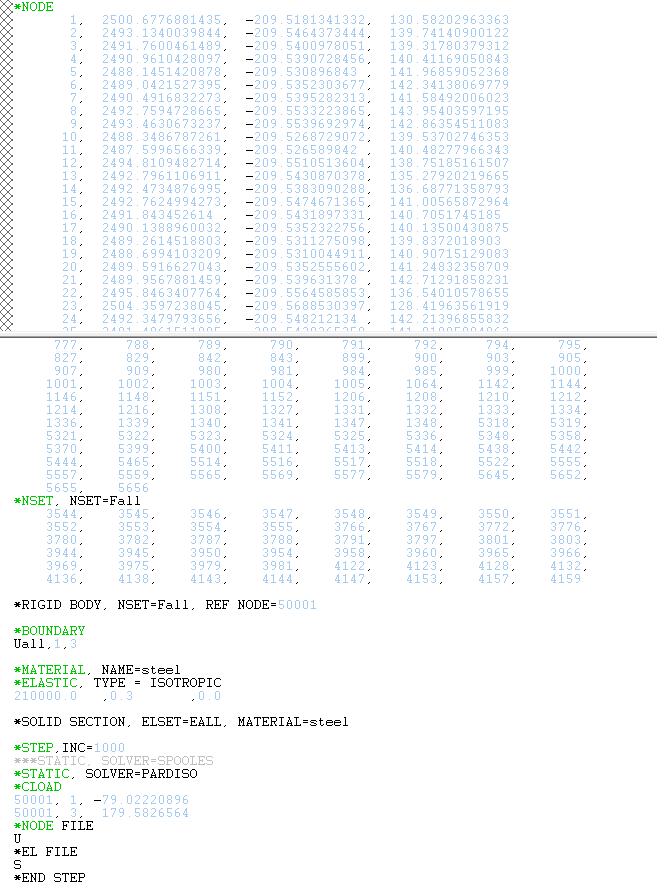
In the CalculiX input file all commands start with star * symbol.
Below an extract of the example input file for a static linear analisys attached to this quick start secion:
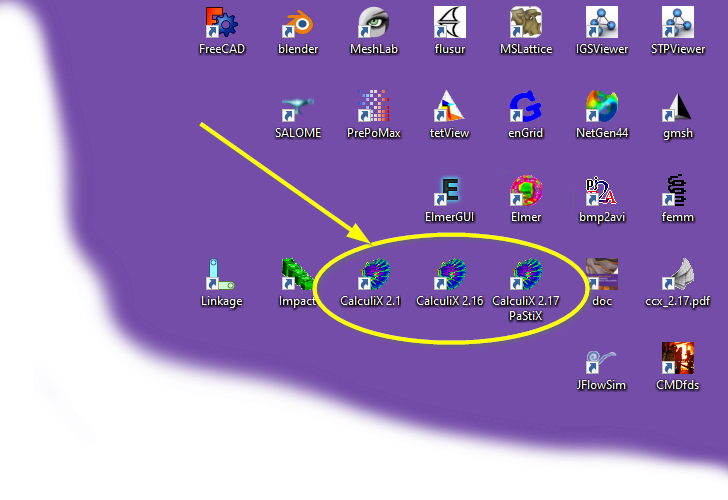
To run the analysis, just open a CalculiX environment terminal by double-clicking the desktop shortcut created using this guide for quick access:
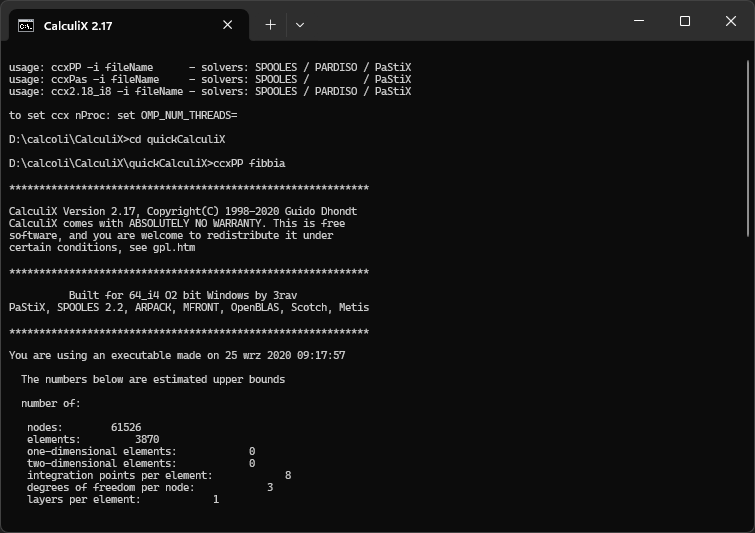
The command prompt window will open:
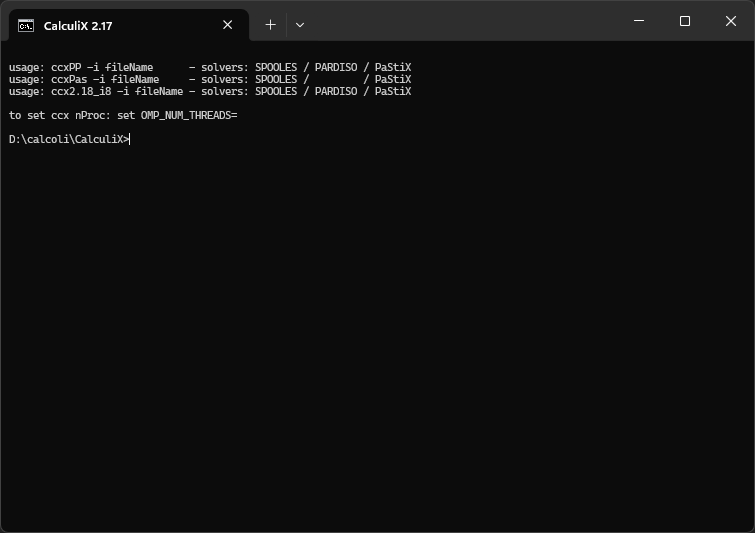
Move to the tutorial folder:
cd tutorialCaseThe fibbia simulation folder contains the input files fibbia.inp
Now you are ready to launch the CalculiX command to run the analysis.
In the CalculiX console simply type:
ccx fibbiaOnce this is done the simulation will start:
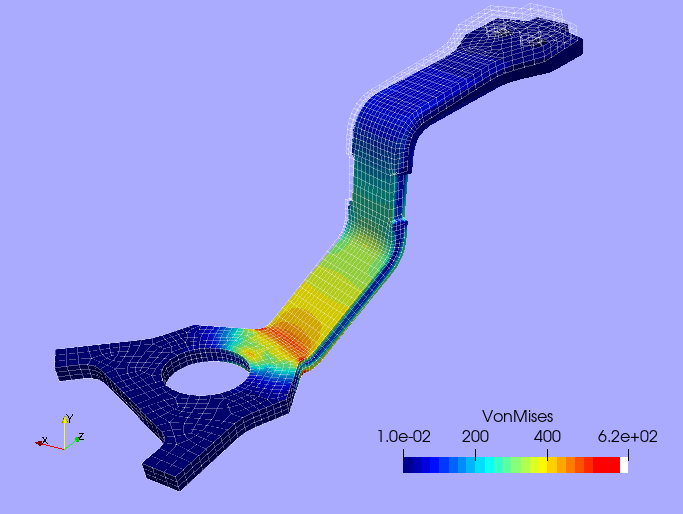
Here the results displaied in paraView: