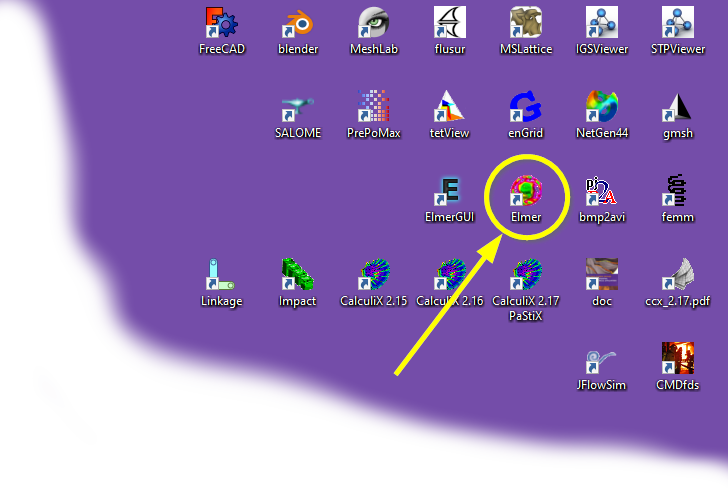
To run your first analysis, just open an Elmer environment terminal by double-clicking the desktop shortcut created using this guide for quick access:
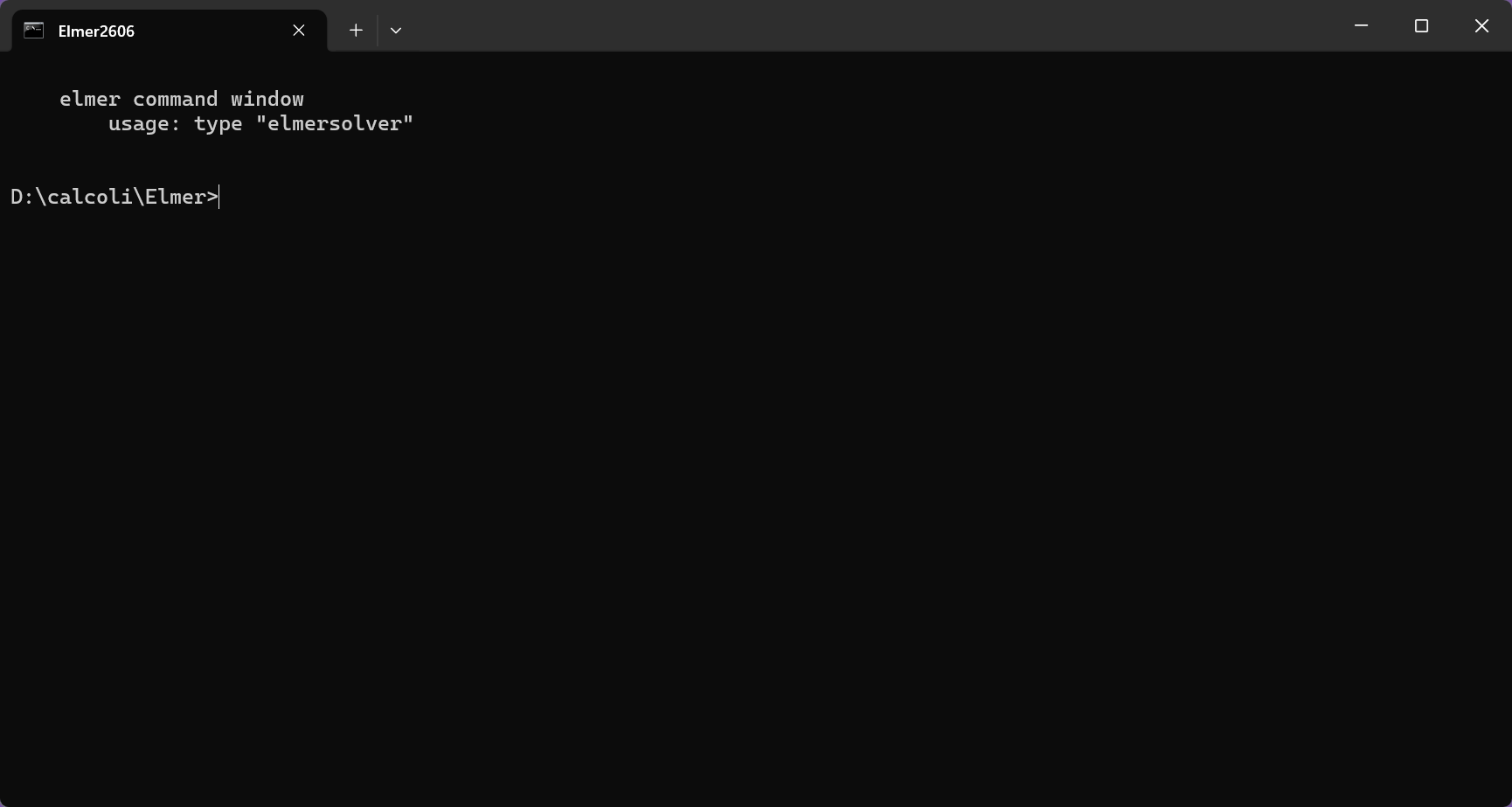
The command prompt window will open:
Move to the tutorial folder:
cd tutorialCaseThe Rayleigh-Bénard simulation folder contains three files:
- ELMERSOLVER_STARTINFO
- conveRB.sif
- conveRB.grd
First of all, you need to create the mesh. The input file that contains all the information is conveRB.grd, while the application that has to be run is ElmerGrid.
In the command line, simply run:
ElmerGrid 1 2 conveRB.grd -out MeshInstantly the Mesh folder will appear. The image below shows the mesh displayed in paraView.

Now you are ready to launch ElmeSolver to run the analysis:
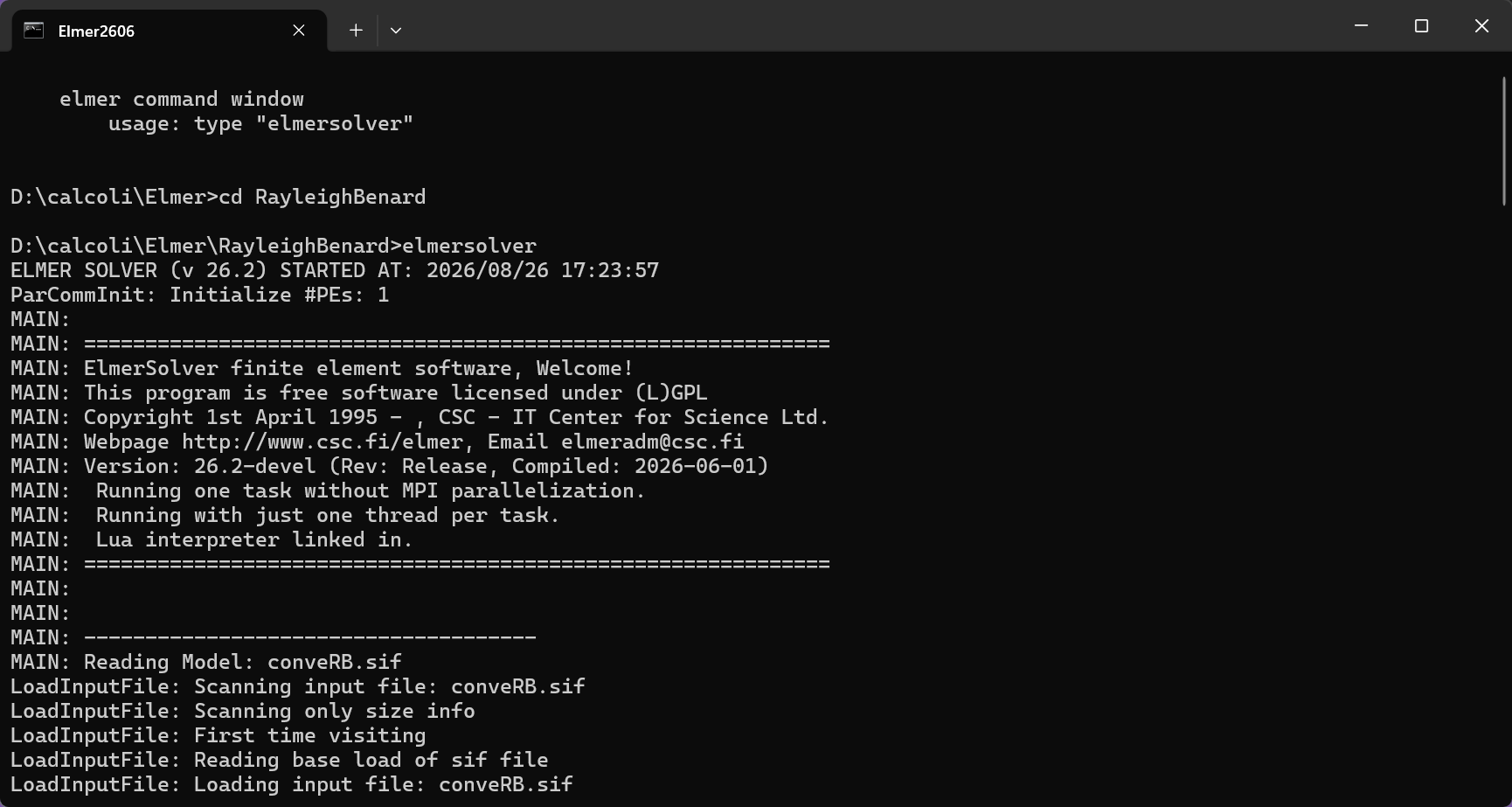
ElmerSolverOnce this is done the simulation will start: